Creating a relaxing home workspace is essential for maintaining focus and comfort while working remotely. Whether you’re freelancing, running a home business, or simply working from home a few days a week, the environment around you plays a significant role in how productive and comfortable you feel. This guide offers practical tips to help you set up a workspace that supports both relaxation and efficiency.
Why a Relaxing Workspace Matters
A cluttered or uncomfortable workspace can cause stress, reduce motivation, and hurt productivity. Conversely, a calming environment helps you focus better, reduces fatigue, and encourages a positive work mindset. Investing time in designing your workspace is an investment in your overall well-being and effectiveness at work.
Choosing the Right Location
Separate Work from Home Life
Select a spot in your home that is as separate as possible from high-traffic or noisy areas. A corner in a spare room or a quiet nook near a window works well. Having a distinct work area helps your brain associate that space with focus and productivity.
Natural Light is Key
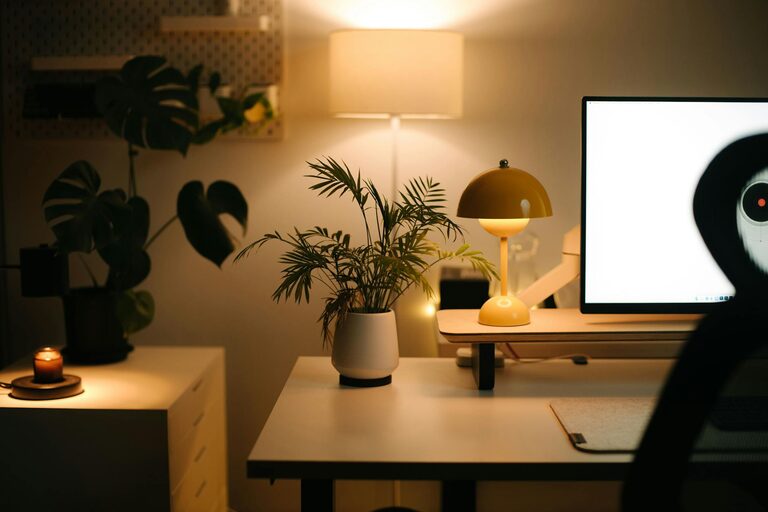
If possible, position your workspace near a window to take advantage of natural light. Good lighting can improve mood and reduce eye strain. If natural light isn’t available, invest in adjustable, soft white lighting that mimics daylight.
Comfortable and Supportive Furniture
Invest in an Ergonomic Chair
Since you’ll spend hours sitting, a chair that supports your posture is crucial. Look for adjustable height, lumbar support, and cushioned seating to prevent discomfort and promote good posture.
Choose the Right Desk
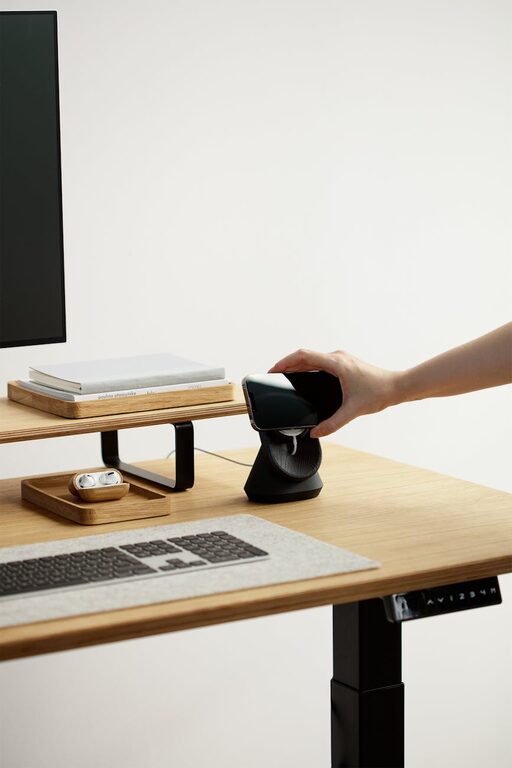
Pick a desk that fits your space and work needs. It should be large enough to hold your computer, documents, and any essentials without feeling cramped. Adjustable desks or standing desks offer flexibility and encourage movement.
Organize for Clarity and Calm
Declutter Regularly
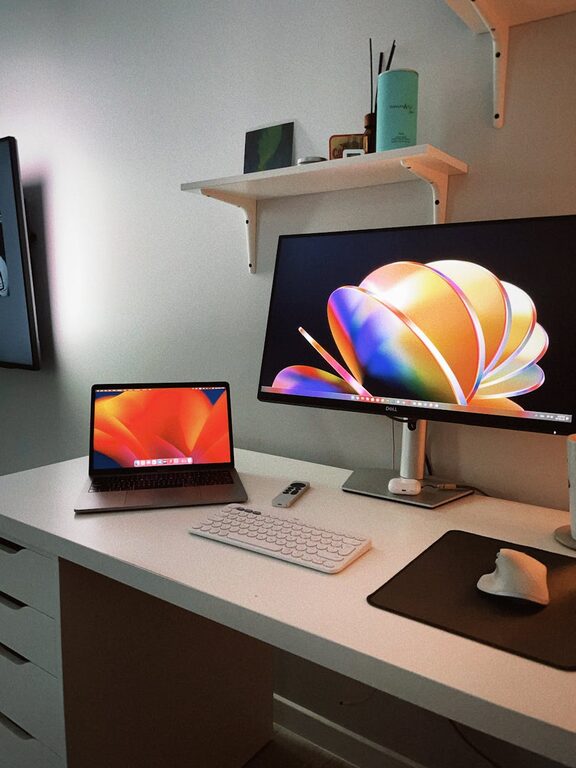
Keep only necessities on your desk to reduce distractions. Use drawers, shelves, or storage bins to organize supplies and paperwork. A tidy environment promotes a clear mind.
Use Cable Management
Cables and cords can create visual clutter. Use cable organizers, clips, or sleeves to keep wires neat and out of sight.
Personalize Your Space Calmly
Add Plants
Indoor plants not only improve air quality but also add a calming touch. Choose low-maintenance plants like succulents or snake plants to bring nature indoors.
Use Calming Colors
Soft, neutral colors such as light blues, greens, or greys create a soothing atmosphere. Avoid overly bright or harsh colors that can cause agitation.
Include Inspirational Items
Add a few personal touches like photos, artwork, or motivational quotes to make the space inviting without overcrowding it.
Minimize Noise and Distractions
Soundproofing Options
If noise is an issue, consider using rugs, curtains, or acoustic panels to absorb sound. White noise machines or calming background music can also help mask interruptions.
Set Boundaries
Communicate your work hours to family or housemates to minimize distractions. Use “Do Not Disturb” signs if necessary.
Incorporate Break Areas and Movement
Create a Break Zone
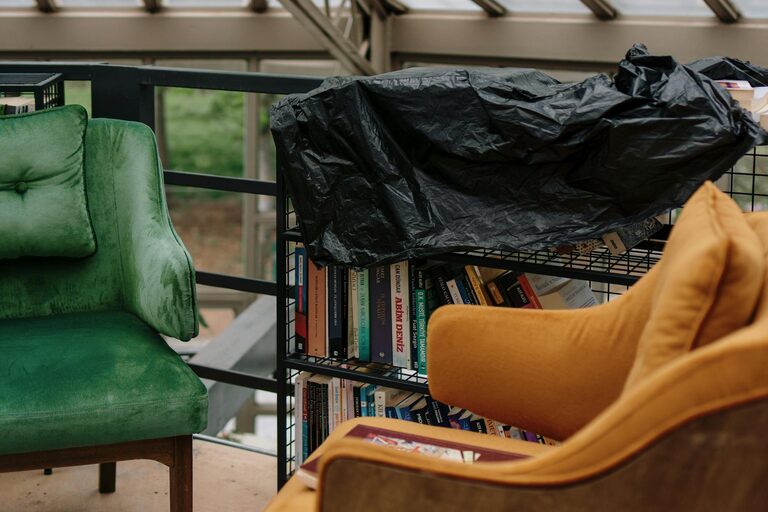
If space allows, set up a small corner with a comfortable chair or cushion where you can take short breaks. Stepping away from your desk helps reset concentration.
Include Movement Opportunities
Consider using a standing desk or take brief stretch breaks to reduce stiffness and boost energy.
Maintain a Healthy Routine
Organize Your Schedule
Plan your workday with clear start and finish times, and schedule regular short breaks to stay refreshed.
Keep Hydrated and Snack Smartly
Keep a water bottle nearby and choose healthy snacks to maintain energy without the crash.
Technology Tips for a Smooth Workflow
Optimize Your Equipment
Use reliable, fast devices and a strong internet connection to reduce frustration caused by technical issues.
Manage Notifications
Turn off non-essential notifications to maintain focus and reduce interruptions.
—
Final Thoughts
Designing a relaxing home workspace is about balancing functionality with comfort. With thoughtful choices in location, furniture, organization, and personal touches, you can create an environment that supports your productivity and well-being. Small adjustments can make a big difference in how enjoyable and effective your work-from-home experience becomes.
Start small by implementing one or two tips, and adjust over time to find the setup that works best for you. A well-designed workspace is an ongoing project, but the benefits to your comfort and productivity are well worth the effort.