Creating a productive home workspace can make a significant difference in how you work and feel throughout the day. Whether you work remotely full-time, part-time, or simply need a dedicated spot for personal projects, designing an environment that supports focus and comfort is essential. In this post, we’ll explore practical tips to help you set up a workspace at home that promotes productivity and well-being.
Why a Dedicated Workspace Matters
Having a specific place for work helps your brain separate work time from leisure time. This mental boundary encourages concentration and minimizes distractions. Moreover, a well-planned workspace supports good posture, reduces stress, and can even improve your mood.
Choose the Right Location
Consider Natural Light
Positioning your workspace near a window allows you to take advantage of natural light, which helps reduce eye strain and improve alertness. If natural light is limited, opt for bright, adjustable lighting that mimics daylight.
Minimize Noise and Distractions
Select a quiet area of your home, ideally away from high-traffic zones. Use noise-canceling headphones or a white noise machine if you live in a lively household or urban environment.
Ensure Privacy
Privacy aids concentration, especially during virtual meetings or tasks requiring deep focus. Use room dividers or screens to create a visual barrier if necessary.
Invest in Ergonomic Furniture
Choose a Supportive Chair
An ergonomic chair with adjustable height, lumbar support, and comfortable cushioning can prevent back pain and fatigue. Avoid working for long periods on sofas or beds as they offer little support.
Use an Appropriate Desk
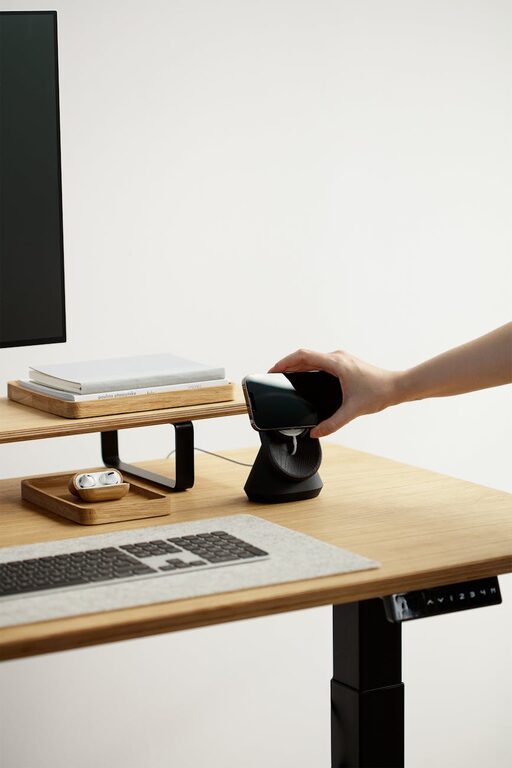
A desk at the right height allows your arms to rest comfortably without straining your shoulders. Standing desks or adjustable sit-stand desks offer flexibility and can help reduce the risks of prolonged sitting.
Organize Your Workspace Effectively
Declutter Regularly
A tidy space promotes clarity and reduces anxiety. Keep only the essentials on your desk and organize supplies with trays, baskets, or drawer organizers.
Use Storage Solutions
Shelving units, filing cabinets, or storage boxes help you keep documents and materials handy but out of the way. Label containers for easy identification.
Plan Your Layout
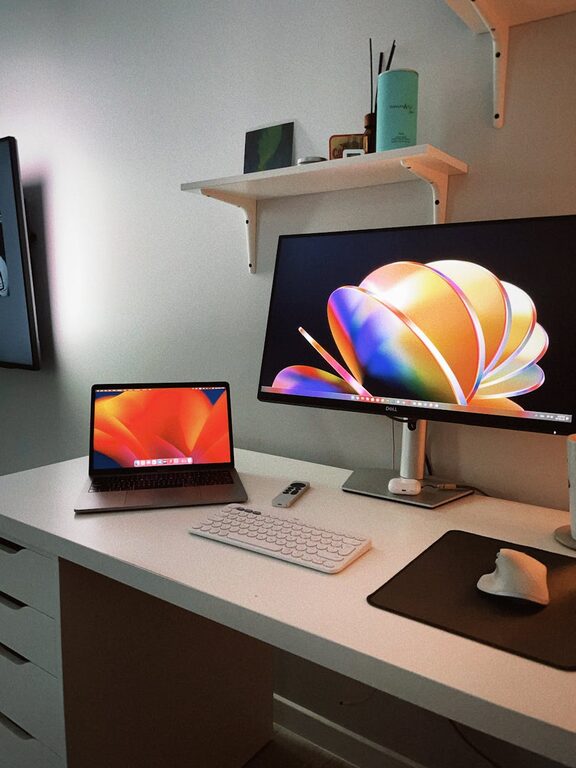
Keep frequently used items within arm’s reach to avoid interruptions. Position your computer monitor directly in front of you, at eye level, to maintain good posture.
Optimize Technology Setup
Invest in Quality Equipment
A reliable computer, speedy internet connection, and ergonomic keyboard and mouse enhance your working experience and efficiency.
Manage Cables and Accessories
Use cable organizers or clips to keep cords untangled and out of the way, creating a cleaner and safer workspace.
Personalize Tech Settings
Adjust screen brightness, font size, and workspace setups to reduce eye strain and make your tools easier to use.
Establish Comfortable and Focused Environment
Control Temperature and Air Quality
Keep your workspace well-ventilated and at a comfortable temperature. Small fans or air purifiers can improve air quality and comfort.
Add Personal Touches
Incorporate plants, artwork, or meaningful items to create a pleasant atmosphere that inspires and relaxes you.
Limit Distractions
Turn off non-essential notifications and consider apps or tools that block distracting websites during work hours.
Implement Healthy Work Habits
Take Regular Breaks
Short breaks every hour help reduce fatigue and improve focus. Use techniques like the Pomodoro method (25 minutes work, 5 minutes break) to structure your time.
Stay Hydrated and Nourished
Keep a water bottle nearby and have healthy snacks available to maintain energy without interrupting your workflow.
Maintain a Consistent Schedule
Set clear start and end times for your workday to create routine and avoid burnout.
Conclusion
Designing a home workspace that balances comfort and productivity takes some effort but pays off by improving your focus, health, and overall work satisfaction. Pay attention to lighting, ergonomics, organization, and environment to build a space that supports your unique needs. With these tips, you can create a home office where work feels both efficient and enjoyable.